
Printer Setup & Troubleshooting
Printer keeps going offline? Can't print via Wi-Fi? We solve the frustration of setting up printers on PC, Mac, tablets, and mobile devices.
Why Is Printing So Difficult?
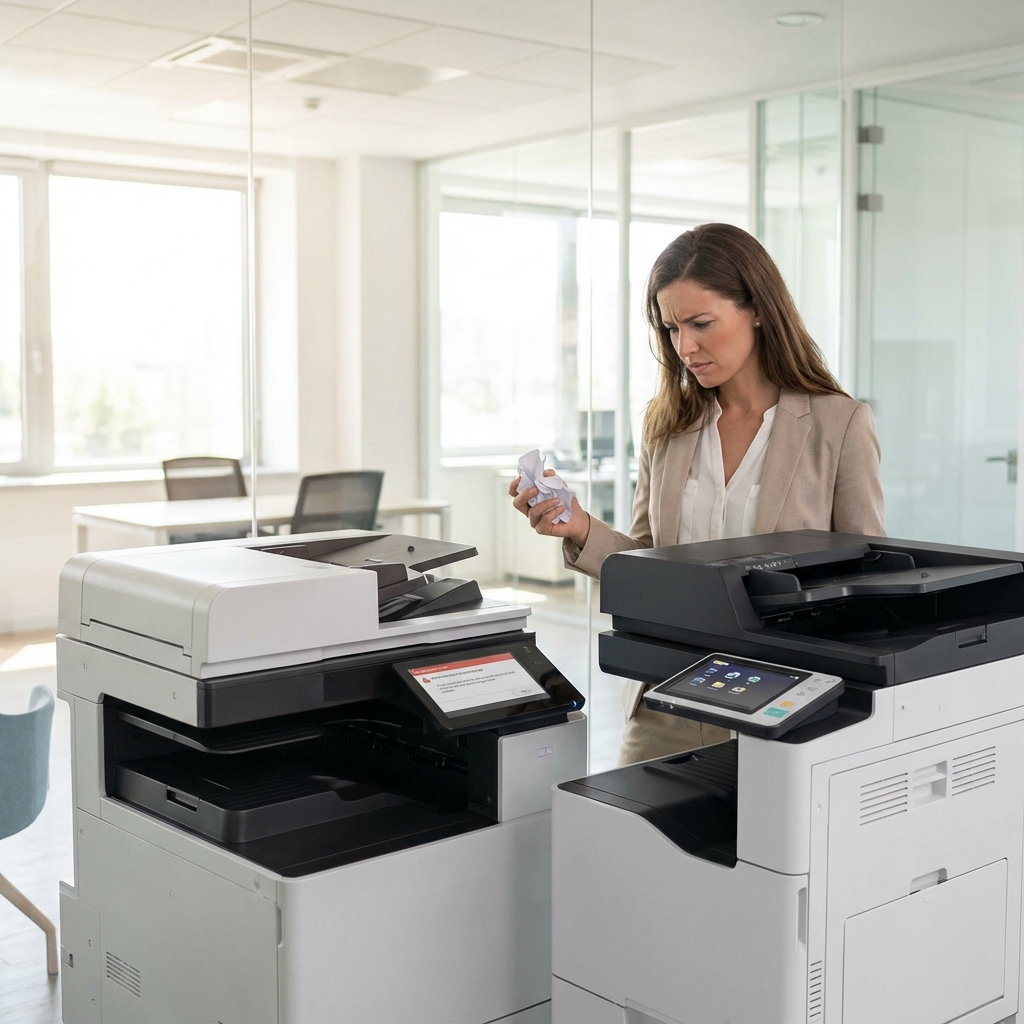
It's the age-old technology joke: we can send robots to Mars, but we can't get a printer to work reliably. Whether it's the dreaded **"Printer Offline"** status, cryptic error codes, or a sudden refusal to connect to a new Wi-Fi router, printer problems are universally frustrating.
At Leeds Computer & Laptop Repairs, we take the hassle out of printing. We don't just "install drivers"; we configure static IP addresses to ensure stability, we set up **AirPrint** for your iPads and iPhones, and we ensure your scanner sends documents directly to your email or cloud storage folder.
We support all major brands including **HP, Canon, Epson, Brother, and Samsung**. Whether it's a home inkjet or a small business laser printer, we can get you printing again quickly.
Complete Connectivity Solutions
From unboxing to expert network configuration.
Wi-Fi & Wireless
Changed your router? We reconnect your printer to the new network. We also troubleshoot intermittent dropping issues where the printer disappears after a few hours.
Driver Conflicts
Windows updates often break printer drivers. We remove corrupted installations and install the correct, clean drivers (without all the bloatware) for maximum speed.
Mobile Printing
Want to print photos directly from your iPhone or Android? We configure AirPrint and Google Cloud Print services so you don't need to turn on the computer to print.
Scanner Setup
Scanning is often harder than printing. We can set up "Scan to Email," "Scan to Desktop," or "Scan to Cloud" shortcuts, making digitizing documents a one-button process.
Network Sharing
Have one printer but three computers? We set up network sharing properly, so every family member or employee can send jobs to the same printer seamlessly.
New Purchase Setup
Bought a new printer? Don't stress with the manual. We can come to your home, unbox it, remove all the tape, install cartridges, and set it up on all your devices.
Common Printer Headaches Explained
Printers are unique because they rely on mechanical parts, ink chemistry, and network software all working in harmony. Here is why things often go wrong.
The "Printer Offline" Mystery
This is the #1 issue we see. It usually happens because the router assigned a new IP address to the printer, but your computer is still looking at the old address. We fix this by assigning a Static IP to your printer, ensuring it stays "Online" permanently.
Inkjet vs Laser
If you print rarely, Inkjet printers are actually a bad choice; the ink dries up and clogs the heads (a hardware fail). For infrequent printing, we always recommend a Laser printer. The toner is a dry powder and never dries out, even if you leave it for a year.
Scan to Email
Setting this up requires configuring SMTP server settings (Ports 465 or 587). It's technical and frustrating for most users. We can configure this for Gmail, Outlook, or your ISP email, so you can scan a contract and have it appear in your Drafts instantly.
Remote vs On-Site Setup
We can solve 80% of printer driver and network issues remotely via TeamViewer. However, for hardware setup (removing tape, installing ink) or complex Wi-Fi pairing issues where the printer has no screen, a home visit might be required. Call us to discuss.
Printer FAQ
Professional answers to common questions.
Can you clear paper jams?
If the jam is accessible, yes. However, if a piece of paper has torn off deep inside the rollers of an inexpensive inkjet printer, it typically costs more to dismantle and repair than to buy a new printer. We will always give honest advice.
My printer prints blank pages. Why?
This is usually a clogged print head (on inkjets). We can try running deep cleaning cycles. If the head is permanently blocked, the printer may need replacing. On laser printers, it might mean the toner seal wasn't removed.
Why is ink so expensive?
Printer manufacturers sell printers at a loss and make money on the ink. To save money, consider a "Tank" printer (Epson EcoTank) or a high-yield Laser printer, which have much lower running costs.
Do you repair large office photocopiers?
No, we specialize in home and small office ("A4") printers. We do not repair large floor-standing A3 copiers (like Ricoh or Xerox machines), as these require specialized contracts.